Player graphics
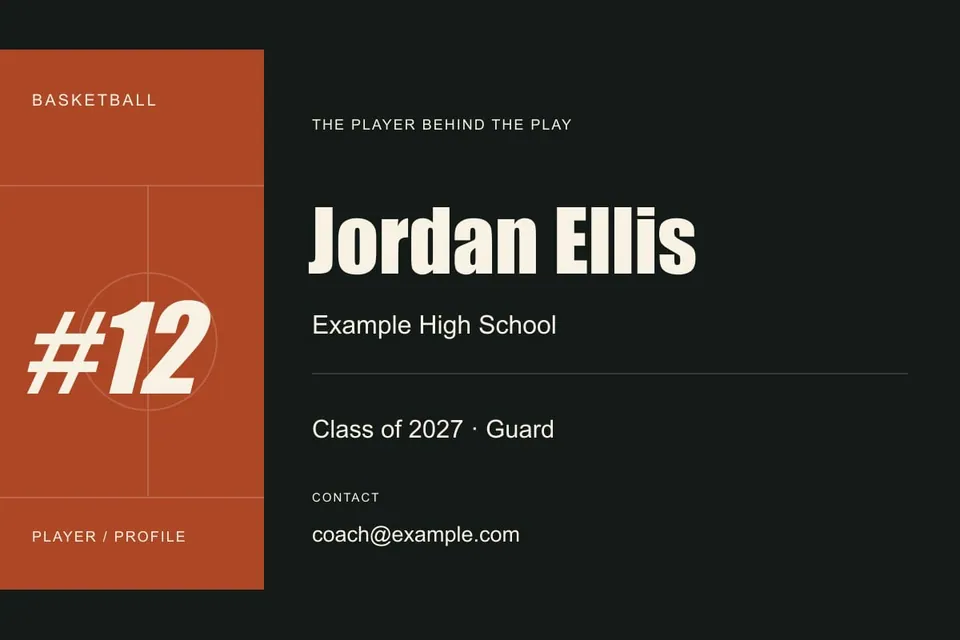
Recruiting title card
Create a readable basketball recruiting video title card with player name, class, position and contact text. Edit locally and download SVG or PNG.
SVG · PNG · PrintCustomize design
 HoopCut
FREE BASKETBALL TOOLS
Make a player graphic. Plan a better reel. Get the team together. Useful little tools for the things around the game.
15 free toolsNo sign-inDownload & keep

PICK A TASK. GET STARTED.
15 tools to make your own.
Player graphics, covers and keepsakes you can personalize.
Player graphics
Create a readable basketball recruiting video title card with player name, class, position and contact text. Edit locally and download SVG or PNG.
Player graphics
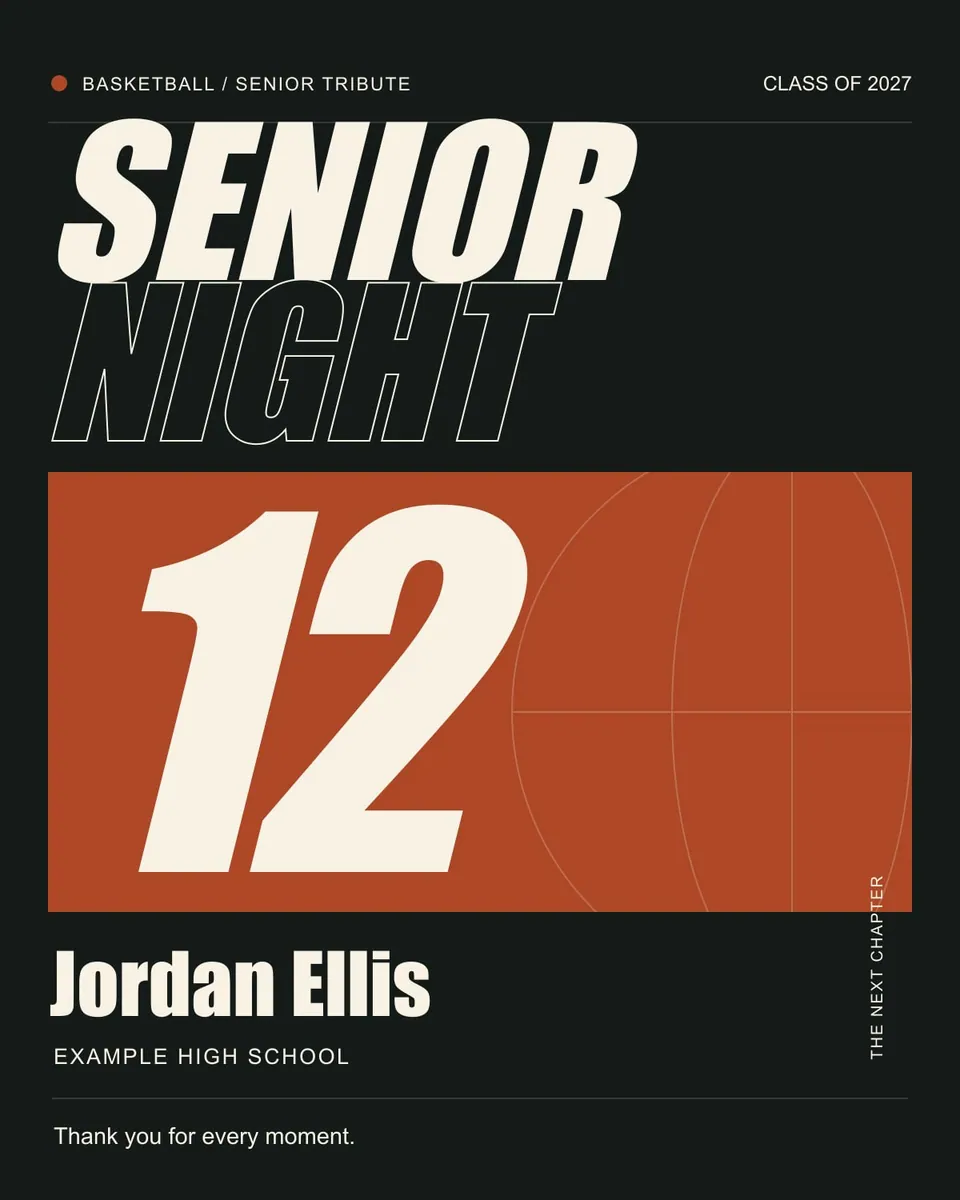
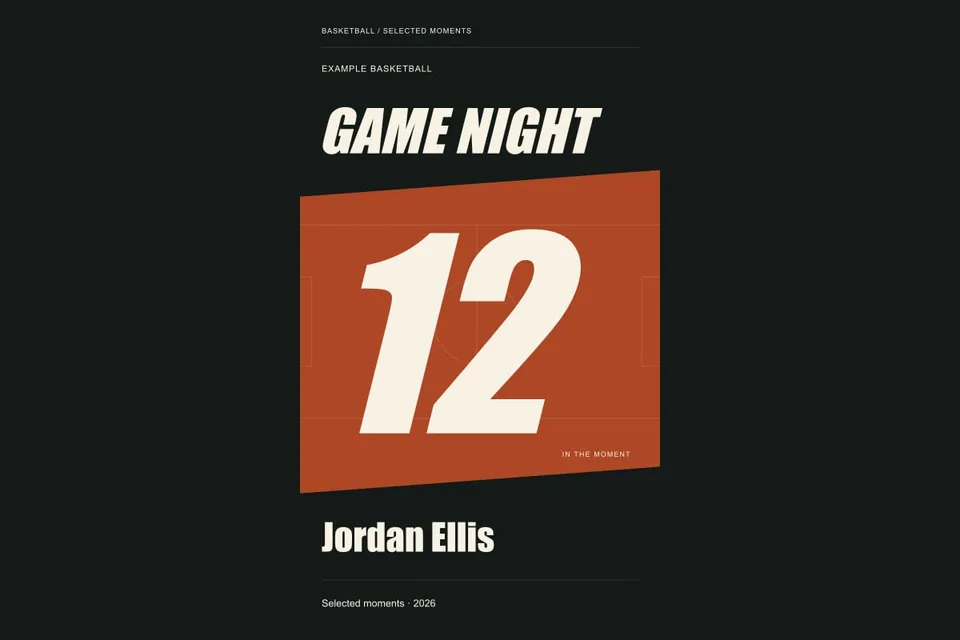
Design a basketball reel cover with editable title, player and jersey number. Preview a vertical 9:16 layout and export a PNG or editable SVG.
Senior night
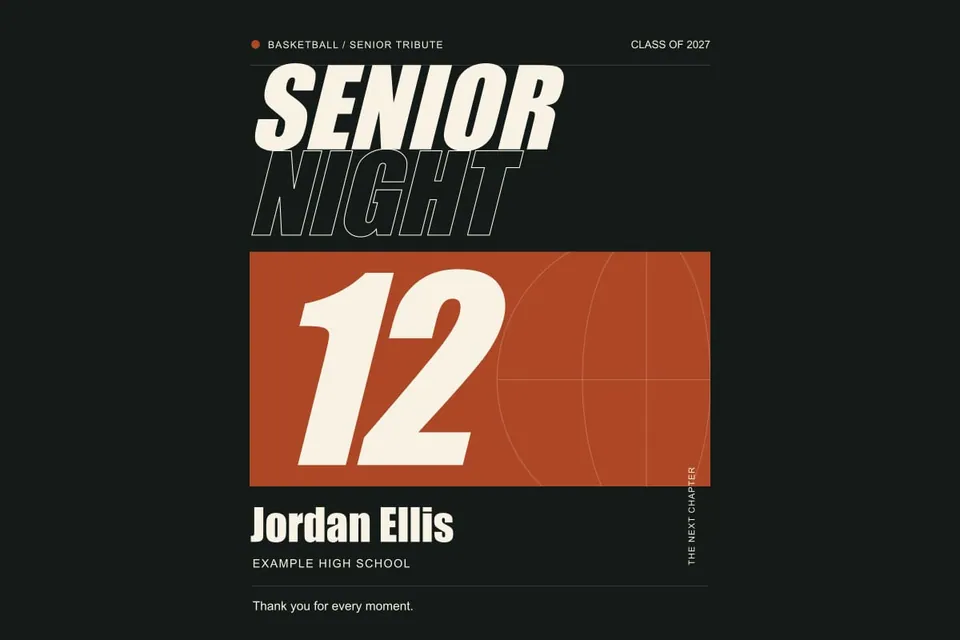
Edit a basketball senior night poster with player name, jersey number, school and class. Download a scalable SVG or PNG and check a print proof.
Senior night
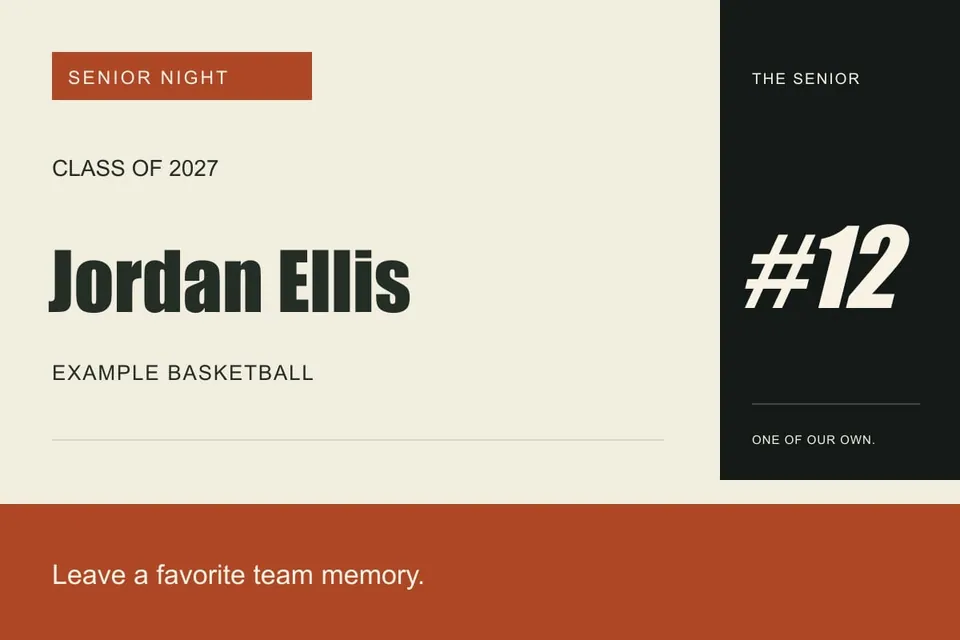
Create a basketball senior night name card with player number and class year. Edit a landscape design, export SVG or PNG, and print for your display.
Senior night
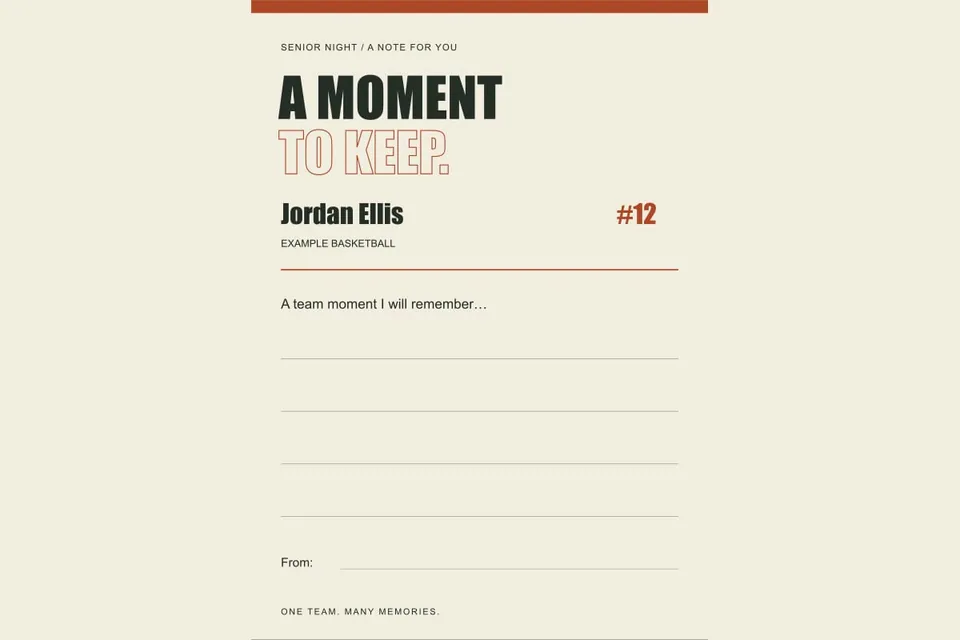
Print a basketball senior memory card with a player name and a specific teammate prompt. Edit locally, download the design and collect handwritten notes.
Team events
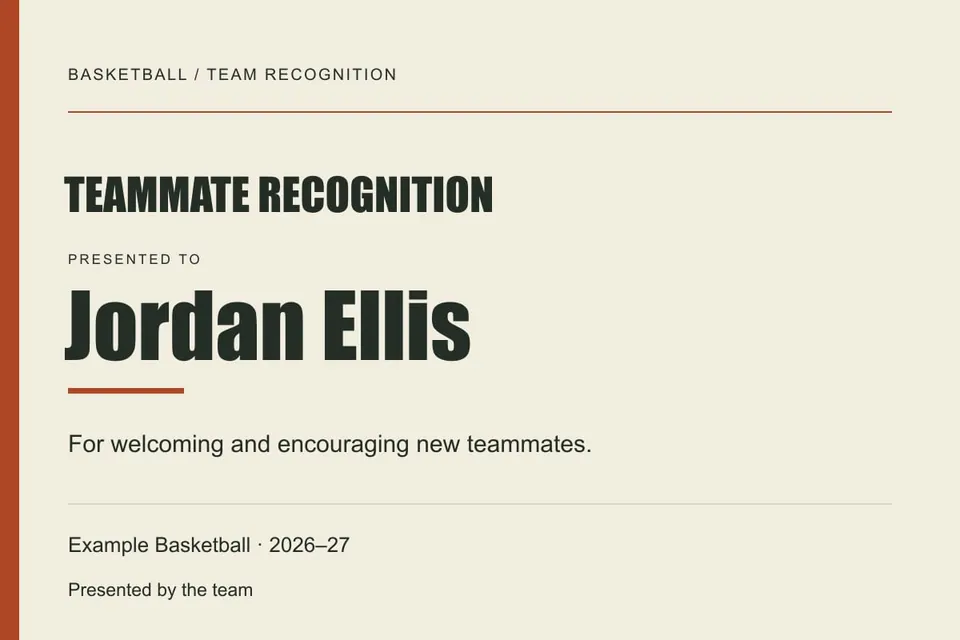
Create a basketball banquet recognition certificate with a verified player name and specific contribution. Edit locally and export a printable SVG or PNG.
Go from source timestamps to a clear sequence of plays.
Editing
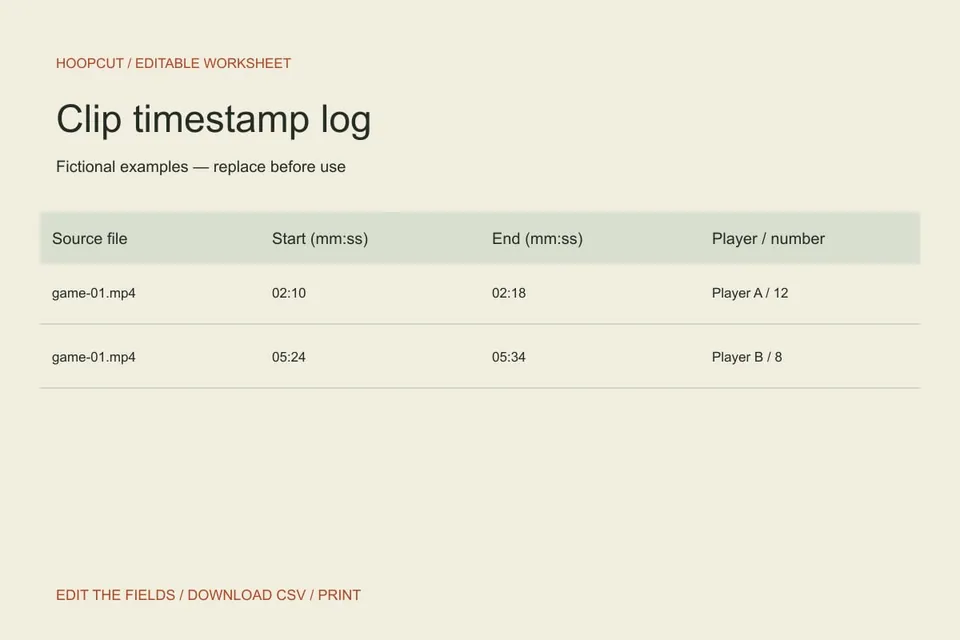
Log basketball clips, check source timestamps and calculate selected footage duration. Edit the free log, then download a CSV with timing notes or print it.
Editing
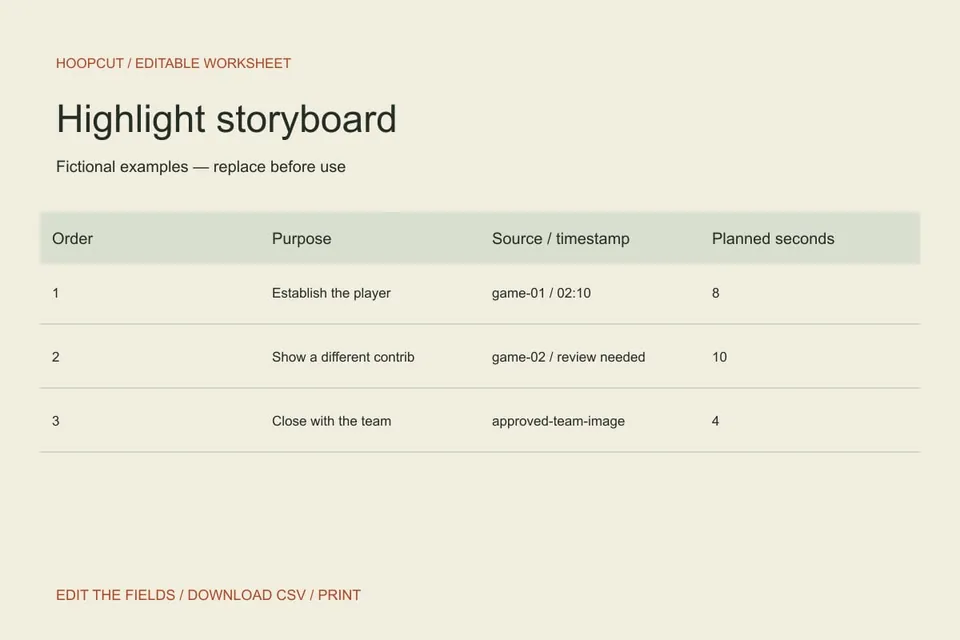
Plan a basketball highlight sequence with an editable storyboard. Define each clip’s job, source and duration, then download the plan as CSV.
Editing
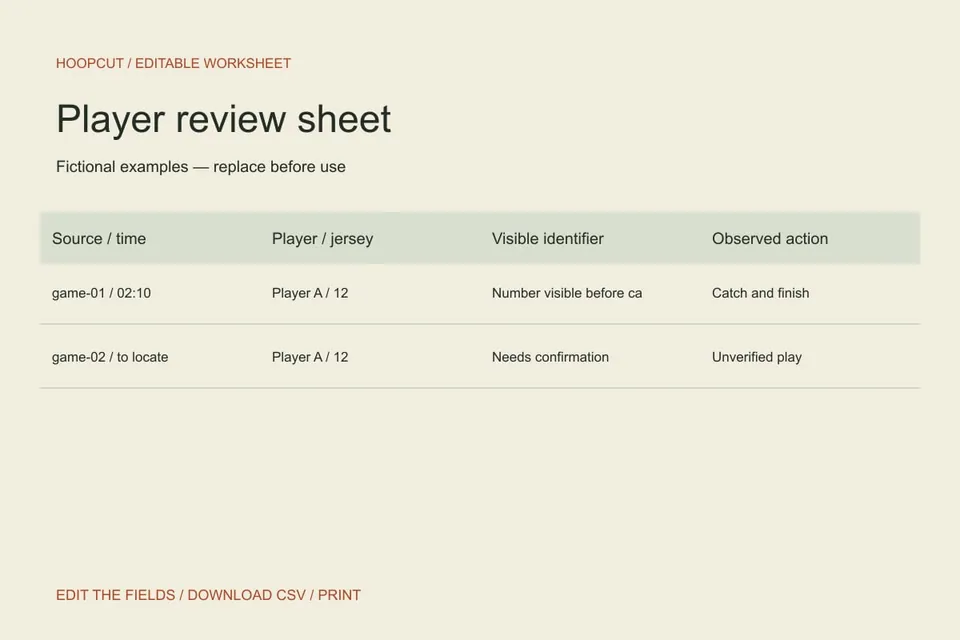
Review a single player’s basketball clips with identity, context and evidence fields. Edit the sheet, add possessions and download a printable CSV.
Coordinate senior night, media day and team recognition.
Senior night
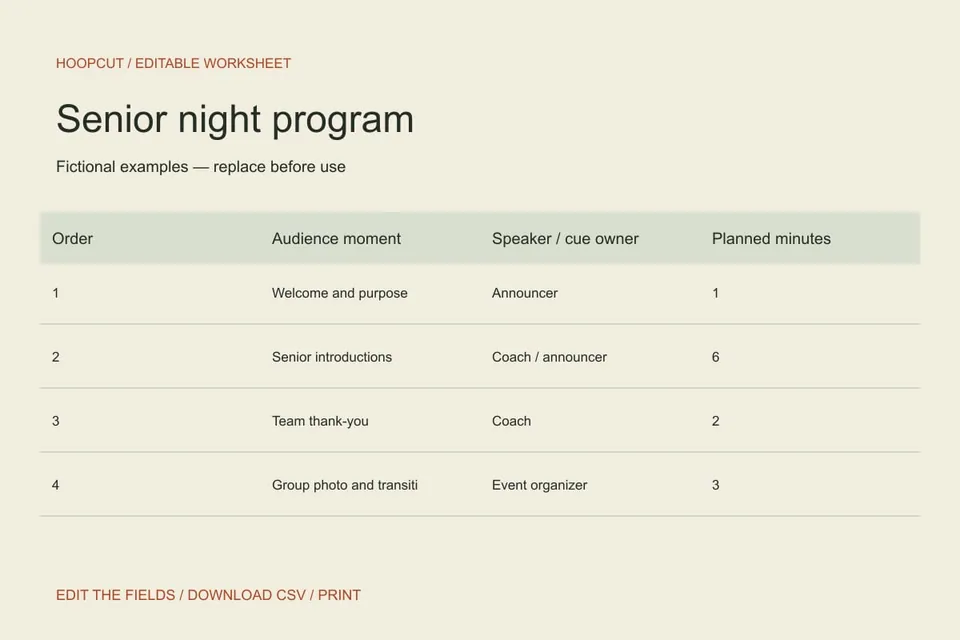
Build a printable basketball senior night program with cue, speaker, duration and responsibility fields. Edit the proposed order and export a CSV.
Senior night
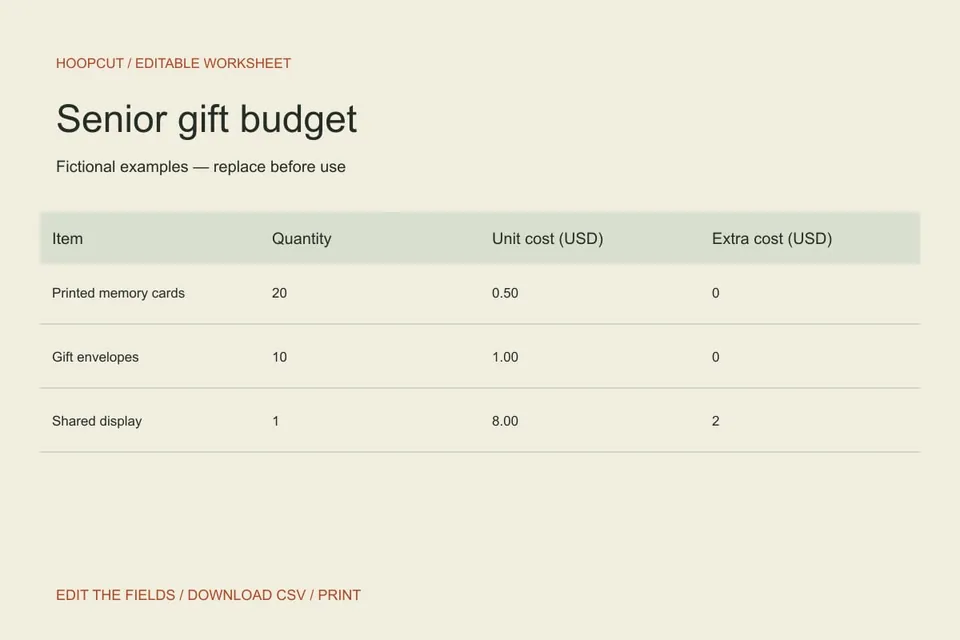
Calculate a basketball senior gift budget from quantities, unit costs and extras. Edit line items, see totals and download the working sheet as CSV.
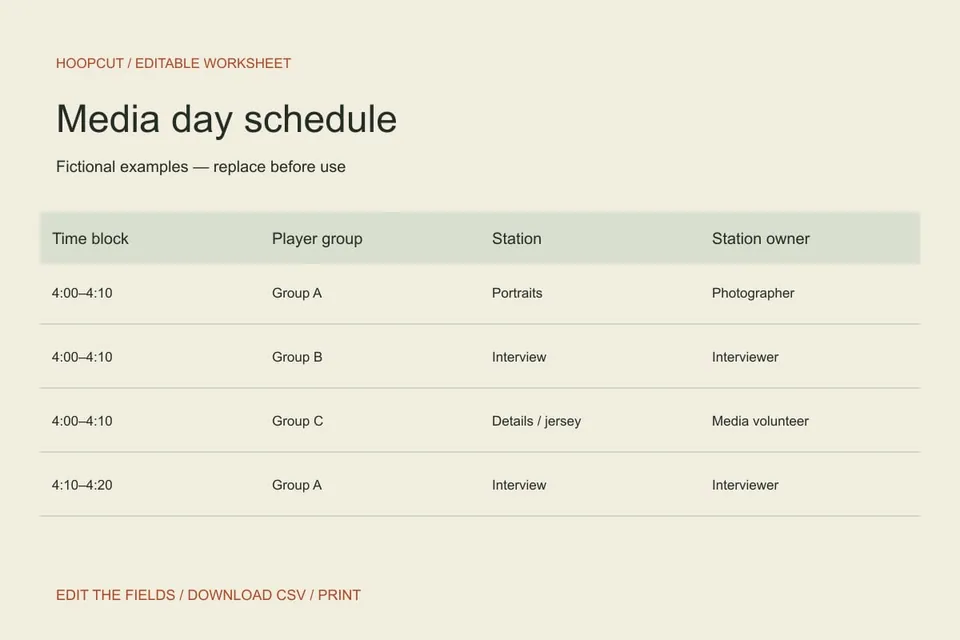
Team events
Plan basketball media day station rotations with groups, time blocks and owners. Edit a sample three-station schedule and download the CSV.
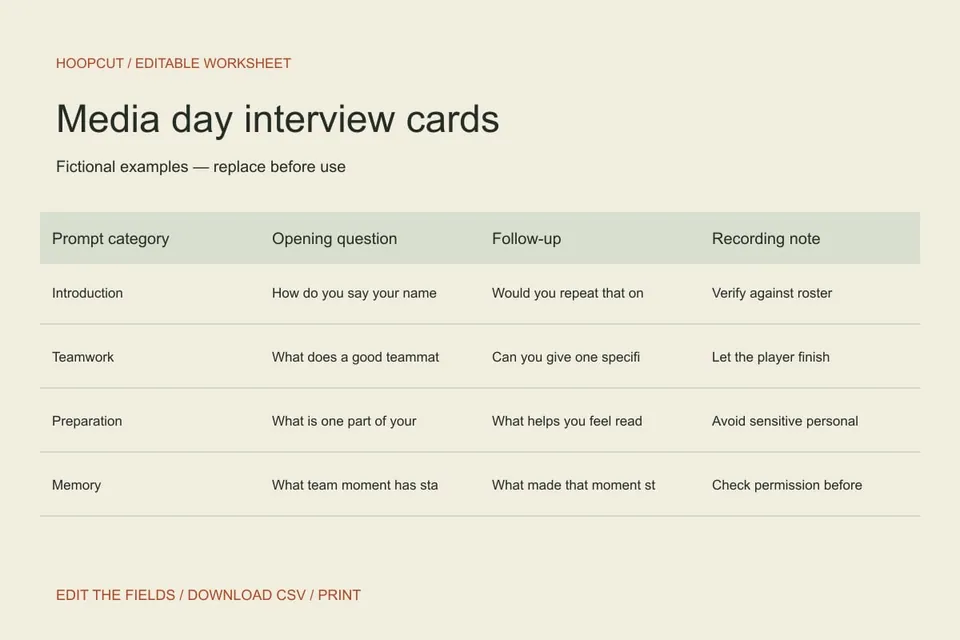
Team events
Prepare basketball media day interview prompts with follow-up questions and recording notes. Edit the cards, print them or download a CSV.
Try a shorter phrase, choose All tools, or clear your search.
FROM THE PLAN TO THE PLAY
Use these browser tools to organize the project or create a graphic. For basketball video, explore Hoopcut’s auto clipping and Shot Tracer demos.
Try the clipping demo ↗See Shot Tracer ↗GOOD TO KNOW
Yes. You can use these browser tools and download their files without signing in. The Hoopcut iPhone app is a separate product.
The six design templates export SVG and PNG images. The nine planning tools offer CSV files and a print view. Each tool also includes an original example you can start from.
Your edits stay in the current page. Download a copy before refreshing or leaving. These tools do not upload your entries or publish to a social account.
No. The templates work in your browser. Hoopcut’s auto clipping and Shot Tracer focus on the basketball footage you want to turn into highlights.
Social & team content
Give each clip a fitting caption and a place in the week.
Social planning
Caption planner
Match basketball clips with accurate social captions. Plan the moment, voice, credits and final wording in an editable sheet with CSV download.
Social planning
Team post calendar
Organize a week of basketball team posts by purpose, asset, owner and approval. Edit the calendar and download a CSV without connecting any accounts.