Sharing and team stories
Basketball Media Day Ideas: Photos, Videos & a Shot List
Plan basketball media day with practical photo and video ideas, a sample station schedule, interview prompts and a downloadable shot list.
 THE HOOPCUT PLAYBOOK
Good basketball media day ideas produce a useful set of photos and clips for the season, not just one dramatic picture. Start with the outputs your team actually needs: an identifiable portrait for each athlete, a clear team photo, a short introduction and a few optional personality clips. The plan below is an editable starting point for a team session, not a promise of a particular shoot duration or production result.
BUILD A SMALL, USEFUL ASSET LIBRARY
Portrait
A consistent photo that makes every athlete easy to identify.
Introduction
A short, clear greeting with a little room at each end.
Game story
Pair the introduction with a real, readable basketball play.
Start with the deliverables, then choose the ideas
Write down where each asset will be used before setting up a camera. A roster portrait needs consistent framing; a social introduction needs room for text; a printed poster needs enough resolution for the intended size. Make one essential list that every player completes and a separate optional list for creative poses. Gipper’s media-day guide describes the event as a way to create reusable athlete and team content. The detailed stations, timing example and prompts below are our proposed planning choices, which you should adapt to your roster and facilities.
Six basketball photo ideas with a clear use
Capture a head-and-shoulders portrait for identification, a full-length uniform photo for player features, and a simple basketball-at-the-hip pose that leaves the face visible. Add a pair or small-group photo for teammates who want one, a team photo with coaches, and a candid team huddle. For each athlete, record a neutral version before an expressive pose so editors have a dependable fallback. Keep jersey numbers legible and avoid placing props across names or faces. Mark any staged action image as a posed portrait when context could otherwise imply it came from a game.
Put this into practice: Basketball media day schedule · Basketball media day interview cards.
Five video ideas that do not need elaborate equipment
Ask players to look at the camera, say their preferred public name and number, and pause before leaving the frame. Record a controlled dribble or ball spin in a cleared area, a short team greeting, a teammate introduction, and a quiet answer to one season question. A useful prompt is “What is one habit you want this team to be known for?” Another is “What would you tell a new teammate before their first practice?” Let the athlete choose whether to answer. Leave a little stillness at each end so the clip can be trimmed without cutting off a word or gesture.
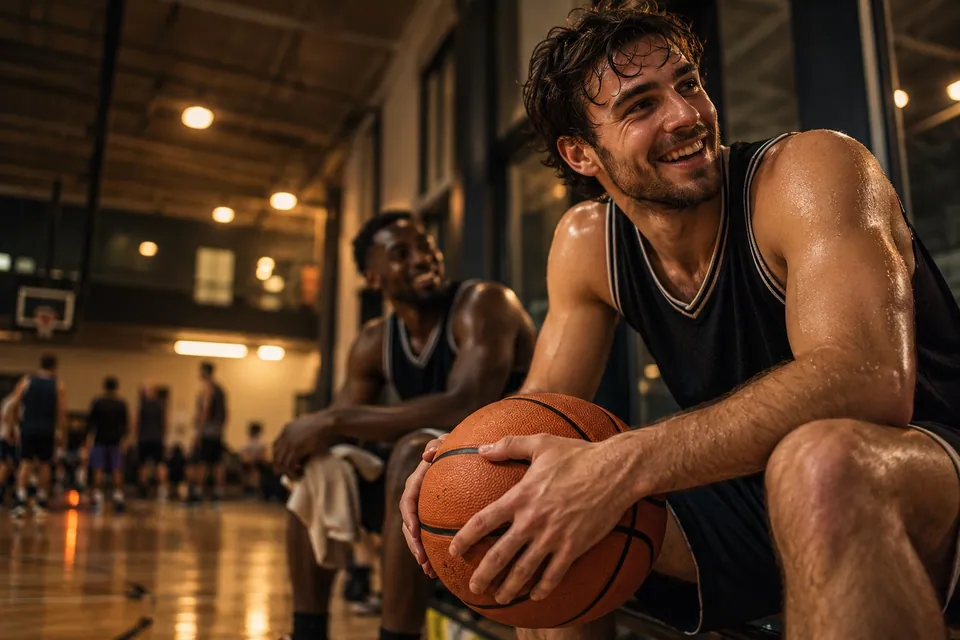
A short game clip to sit beside a player introduction
Use stations so the roster does not become the bottleneck
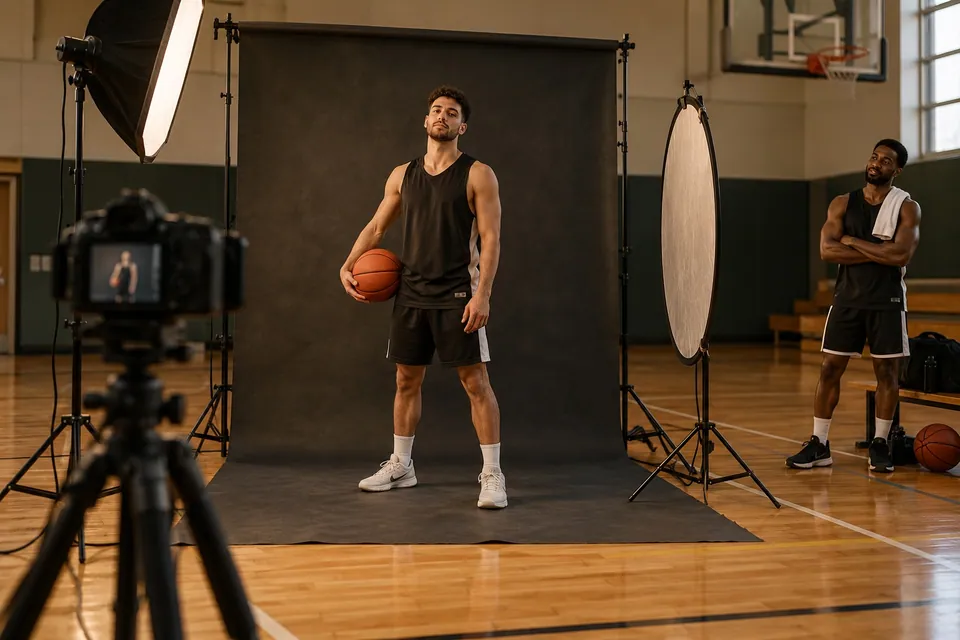
Separate the essential portrait from interviews when space and helpers allow. A check-in person can confirm the roster spelling while the camera station keeps its framing consistent. Put optional creative poses after the required images, and allow players who do not want a public interview to complete the other essentials. The downloadable shot list lets you mark completion by asset rather than relying on memory. Avoid promising a fixed number of minutes per athlete until you have tried the actual setup with one person and allowed for retakes.
A sample 60-minute block for a small team
This is an example schedule, not a production benchmark: reserve 10 minutes for setup and a camera test, 25 for rotating portraits and short introductions, 10 for the team picture, 10 for optional pairs and creative clips, and five for missing shots. A larger roster, multiple uniforms or interviews may require a substantially longer session. Assign an owner to the time check and a separate person to the roster if possible. Take the formal team photo before the group disperses, and confirm the required shots before packing equipment away.
Prepare the frame, the sound and the surroundings
Use a background that keeps uniforms distinct and a camera position that can be repeated for the full roster. Make a short recording in the actual space and listen for ventilation, bouncing balls and nearby conversations. Record interviews away from active play when you can. Keep stands and equipment out of walkways and do not stage a dunk or contested play for the sake of a photo. If the gym is unavailable, use a simple approved location rather than treating special lighting or smoke as necessary for a successful session.
Name the files before you build the season library
Use a consistent scheme such as team-season-player-number-asset-take, then have someone verify that each name points to the right person. Keep a completion sheet, a folder of originals and a separate folder of approved selections. Check your team’s process for image use and public sharing before publishing identifiable athletes, especially youth players. This planning guide does not replace the school or organization’s rules. Do not include private contact details or an athlete’s unpublished schedule in a public filename, graphic or social caption.
Connect media day to real game highlights
Media-day portraits can introduce a player, but they do not demonstrate what happened in competition. Pair approved introductory material with actual game footage when you want to show the player in action. Hoopcut can be a natural next step for basketball auto clipping and Shot Tracer on that game footage; it is not a portrait generator, media-day booking system or roster database. The interactive auto clipping demo lets you inspect prepared moments, while the existing highlight guide covers preserving the context around a play.
Download the planning sheet
Editable CSV files open in common spreadsheet apps. Example timings and blank rows are planning aids, not measured event results.
Next steps for your basketball footage
Before you finish
- Confirm the roster, public names and approved uniform.
- Test one portrait and one spoken introduction in the actual space.
- Assign a completion-sheet owner and a file-naming rule.
- Separate required assets from optional poses and interviews.
- Check approved sharing destinations before distributing selections.
A reusable basketball media-day shot list
| Asset | Framing and completion check |
|---|---|
| Roster portrait | Consistent head-and-shoulders frame; check face, focus and spelling. |
| Full uniform | Whole body and jersey number visible without distracting props. |
| Team picture | Every intended athlete and coach visible; take a backup frame. |
| Player introduction | Name and number spoken clearly, with a short pause at both ends. |
| Optional personality clip | Athlete agrees to the prompt; camera and background remain controlled. |
| Teammate pair | Confirm both players and the intended sharing destination. |
Practical questions
Do we need professional lighting for basketball media day?
It is optional for this plan. A consistent, tested setup is more useful than adding equipment you cannot manage safely. Check focus, exposure, framing and sound in the actual location before the roster arrives.
What if we only have one phone and one helper?
Prioritize a consistent portrait and team picture, then short introductions if time allows. Keep a written completion list and avoid changing the setup for every athlete. Add optional poses only after the essential assets are complete.
Are posed shots suitable for a recruiting highlight reel?
They can serve as identifying material, but do not present a staged clip as evidence from a game. Use actual basketball possessions when showing an athlete’s decisions and play.
Can Hoopcut generate media-day portraits?
That is not a capability established here. The relevant product features are basketball auto clipping and Shot Tracer for video. Capture portraits and manage consent through your own team workflow.
Sources and further reading
Editorial guide by Hoopcut at SWINK AI INC. Prepared examples and illustrations are labeled. External product information is not a claim of hands-on comparative testing. Send a correction or a workflow question.