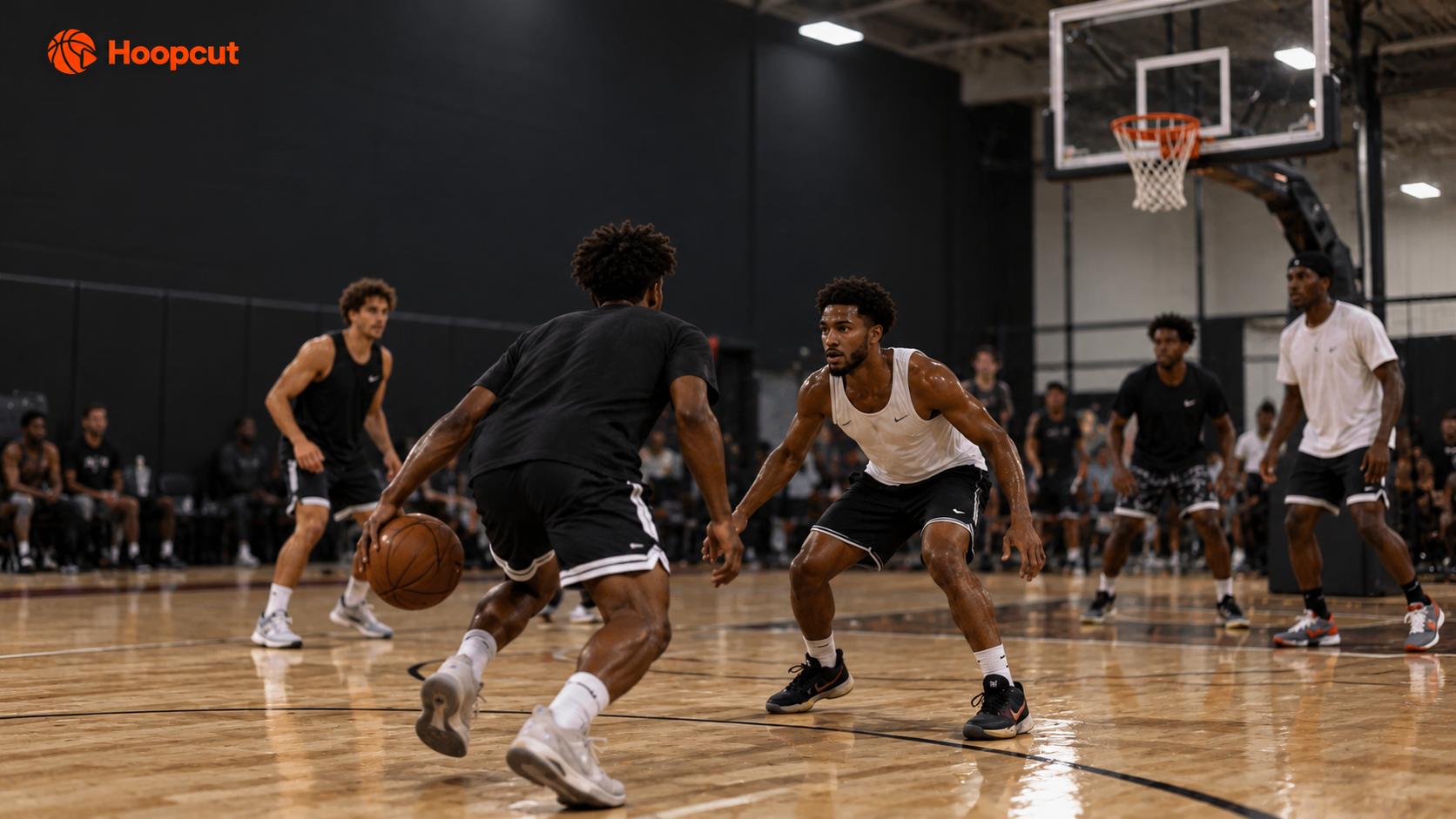
01 FINDFind your best plays.
Automatically find your best plays. Skip the endless scrubbing.
 HoopcutHoopcut
Turn your basketball videos into highlights worth sharing.
Download on theApp StoreFind Hoopcut on the App StoreAutomatically find your best plays. Skip the endless scrubbing.

Let AI bring your moments together into a shareable highlight reel.
Follow the ball’s flight with Shot Tracer.
A few quick answers about Hoopcut.
Hoopcut helps you turn basketball footage into shareable highlights: automatically find and separate highlight clips, bring your moments together with AI editing, and add a Shot Tracer to show the ball’s flight.
Search for Hoopcut on the App Store and download the app. Import a basketball video from your phone, find your highlight clips, create an AI edit or add a tracer, then export your video to share.
Yes. Search for Hoopcut on the App Store to download the app and try it for free.
It helps find highlight moments in a longer basketball recording and separates them into clips, so you can spend less time searching through your footage.
Clipping finds individual moments. AI editing brings those moments together into a highlight video you can export and share.
Shot Tracer adds a visible trajectory to your basketball shot, helping viewers follow the ball’s flight in your video.
Keep the play. Share the moment.
HOOPCUT — BASKETBALL HIGHLIGHTS