
STEP 01
Name an observable contribution
Choose a specific action that coaches or teammates can verify. If a formal competitive award exists, follow that selection process rather than using this template as a substitute. The example recognition is fictional.
STEP 02
Proof the wording with the organizer
Check the player’s name, team, season and award title. A short explanation is easier to read than a paragraph of generic praise. MBX’s local banquet guidance emphasizes coordination with coaches; it is not a universal award policy.
STEP 03
Make a print proof
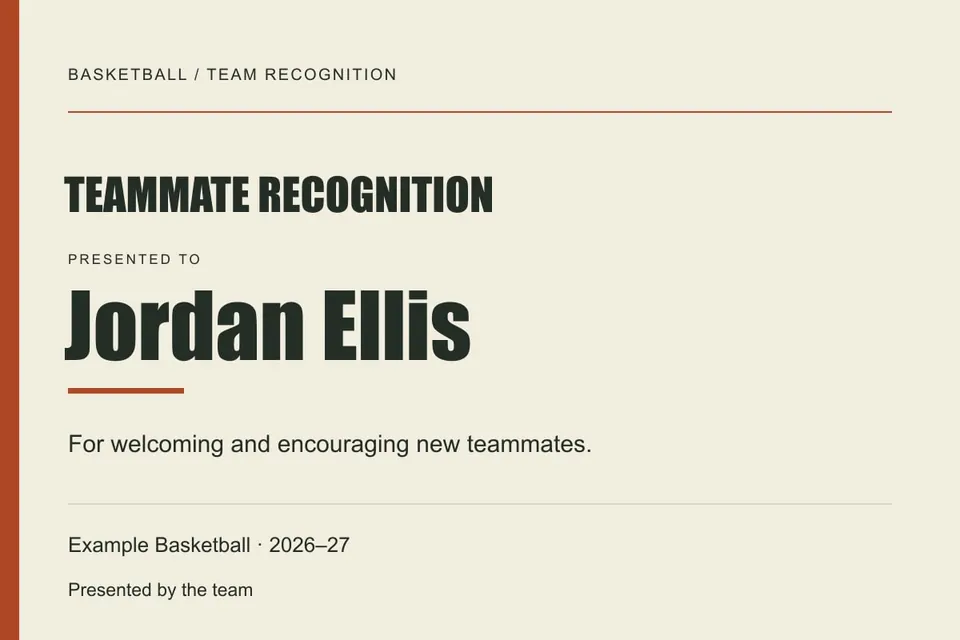
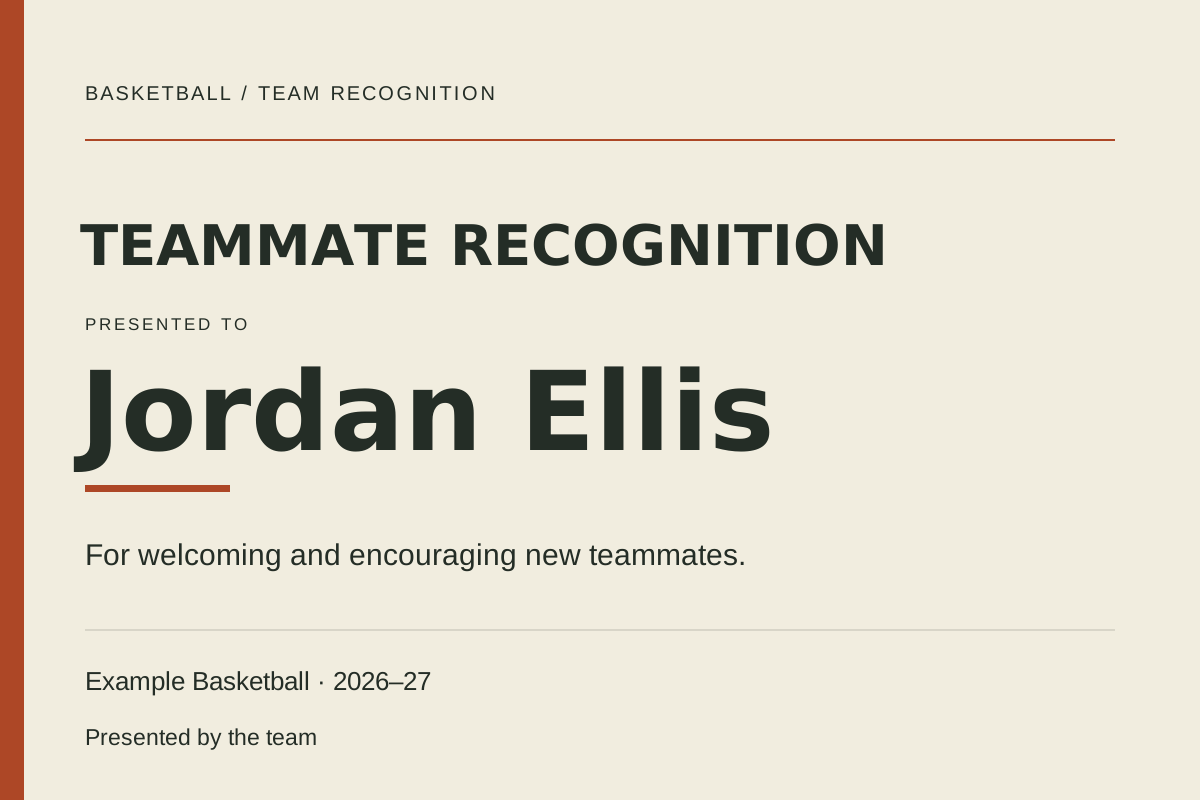
The landscape certificate uses a 3:2 layout and does not include a signature image or official seal. Export, inspect the text and confirm the paper size and margins before printing the full set.
Read the example
The example recognizes welcoming and encouraging new teammates. It demonstrates wording for a contribution, not an award actually granted by Hoopcut.
ILLUSTRATED WALKTHROUGH · 9 SECONDS
Banquet award certificate
Read the walkthrough transcript
- Verify the contribution
- Personalize the certificate
- Export and check a print proof
Practical questions
Is this an official school certificate?
No. It is an original editable design. Have the team or organization approve its use and wording.
Can I add a signature?
The page includes a presented-by text line. Download the SVG and edit it in another graphics tool if you need a separately approved signature element.
Are these additional Hoopcut app features?
These are free browser planning and design resources. Hoopcut’s app focuses on basketball auto clipping and Shot Tracer. The editor does not upload video or publish to a social account.
Source notes
The template, example data and workflow are original editorial resources. Local organization rules in a source are not universal requirements.