
STEP 01
Choose a prompt people can answer
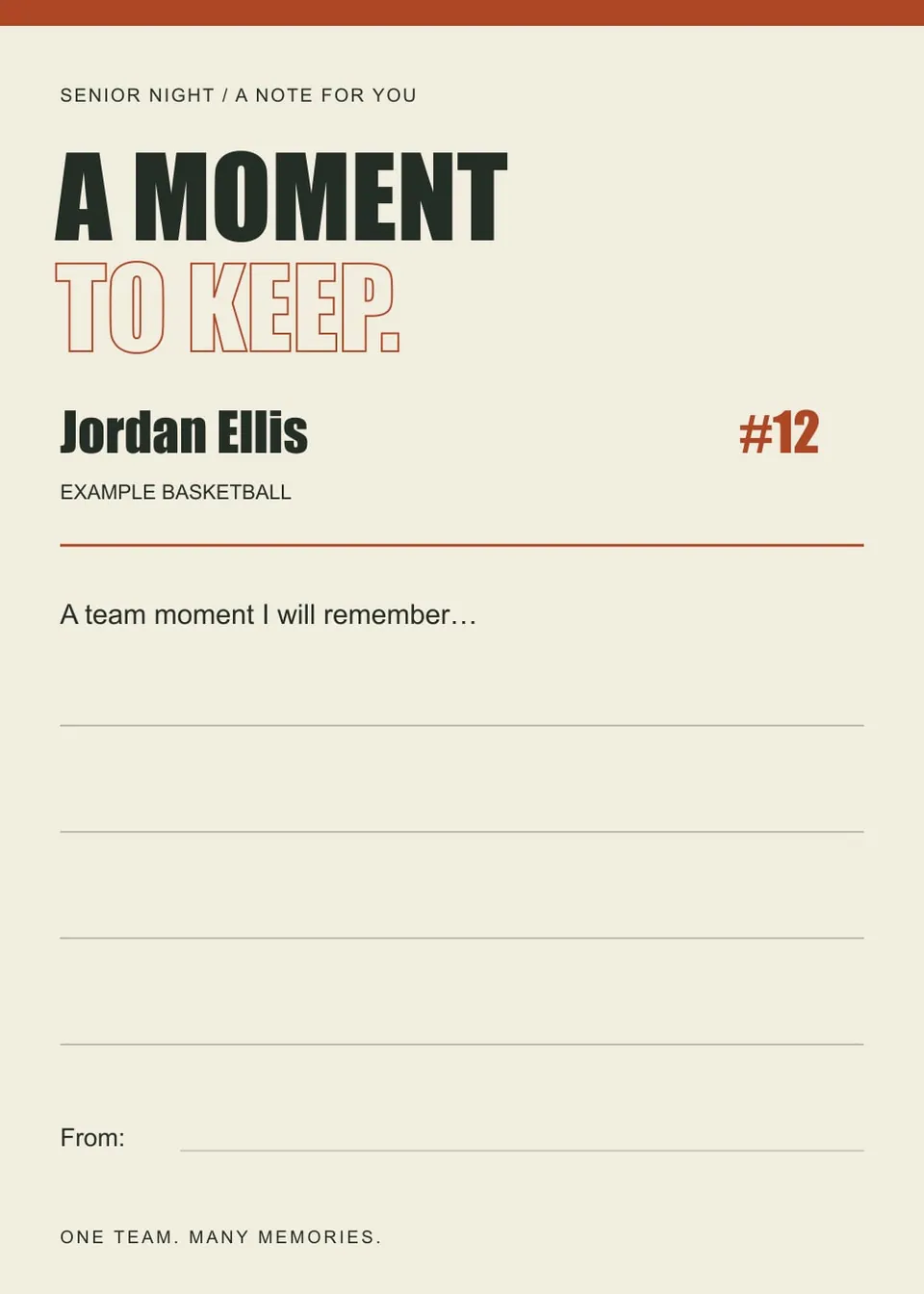
Ask for one moment, helpful habit or piece of encouragement. Avoid a broad request that leaves visitors staring at an empty card. Make it clear that a short response is enough.
STEP 02
Leave room to write
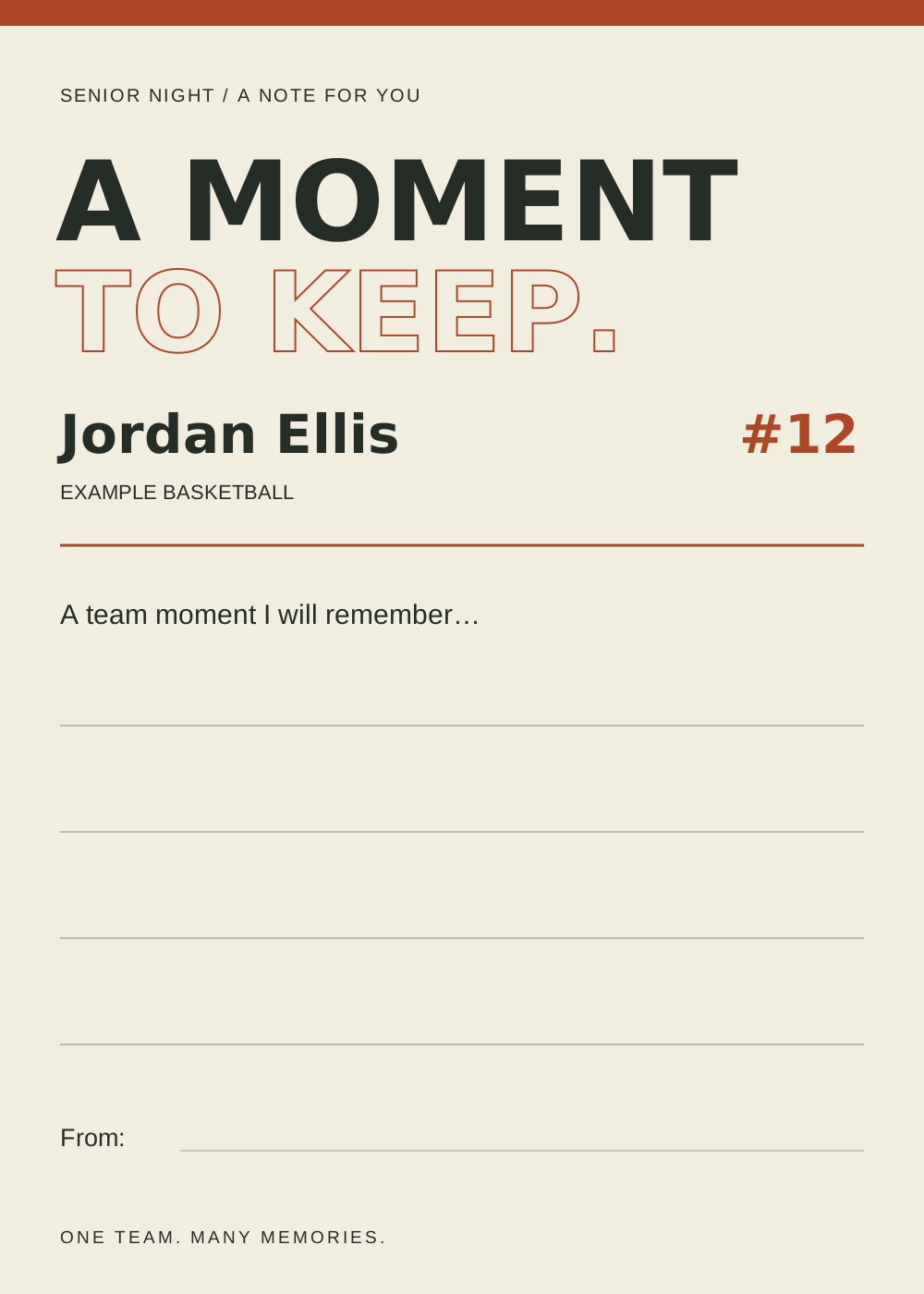
The exported design reserves lines for handwriting. This version does not type or generate the personal message. Print a test at your chosen size to check whether the writing area is comfortable.
STEP 03
Collect and deliver
Provide pens and a labeled collection point. Assign someone to gather cards after the event and check that the messages are suitable for sharing before putting them in the final keepsake.
Read the example
The default card asks for a team moment and leaves the answer blank. It is a designed prompt, not a testimonial written by an actual teammate.
ILLUSTRATED WALKTHROUGH · 9 SECONDS
Senior memory card
Read the walkthrough transcript
- Choose one memory prompt
- Print the writing card
- Collect specific team memories
Practical questions
Can I type the entire memory here?
This template edits the identity and prompts; the answer area is for handwriting after printing. Use the SVG in a graphics editor for other layout changes.
How many cards should we print?
Estimate who will participate and print a small reserve. There is no required number per player.
Are these additional Hoopcut app features?
These are free browser planning and design resources. Hoopcut’s app focuses on basketball auto clipping and Shot Tracer. The editor does not upload video or publish to a social account.