
STEP 01
Confirm the roster details
Use the same spelling and number as the event program. Ask the organizer which class year and team name should appear. Defaults are fictional placeholders, not a real student’s details.
STEP 02
Choose a short message
A specific thank-you or brief memory works better than a crowded paragraph. Keep the words within the input limits and inspect the live preview. The name should remain the strongest readable text.
STEP 03
Proof for the actual print size
The SVG is scalable and the PNG is a convenience export. Both use a 4:5 design ratio. Ask the printer about dimensions, margins and bleed, then check a proof; this browser preview does not certify print production.
Read the example
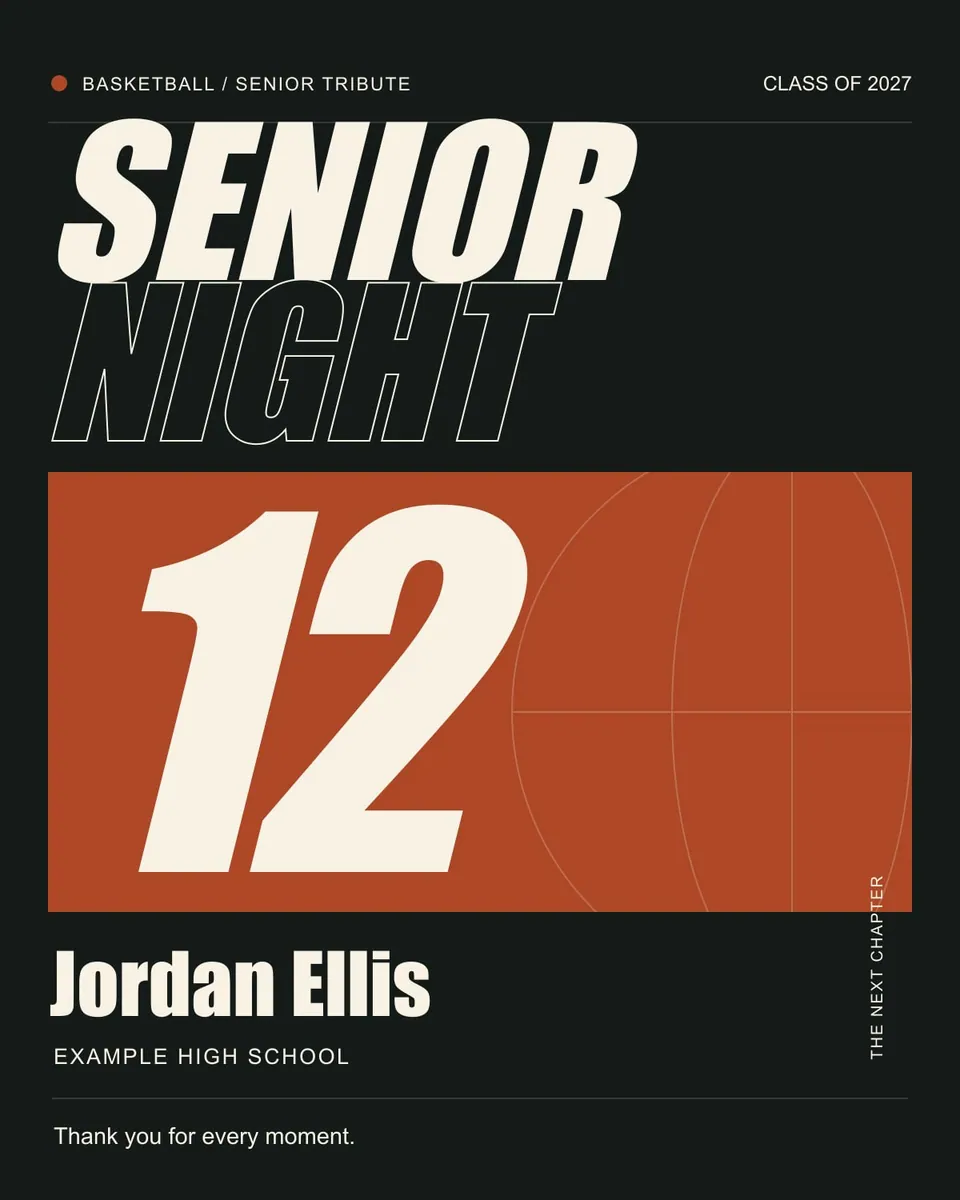
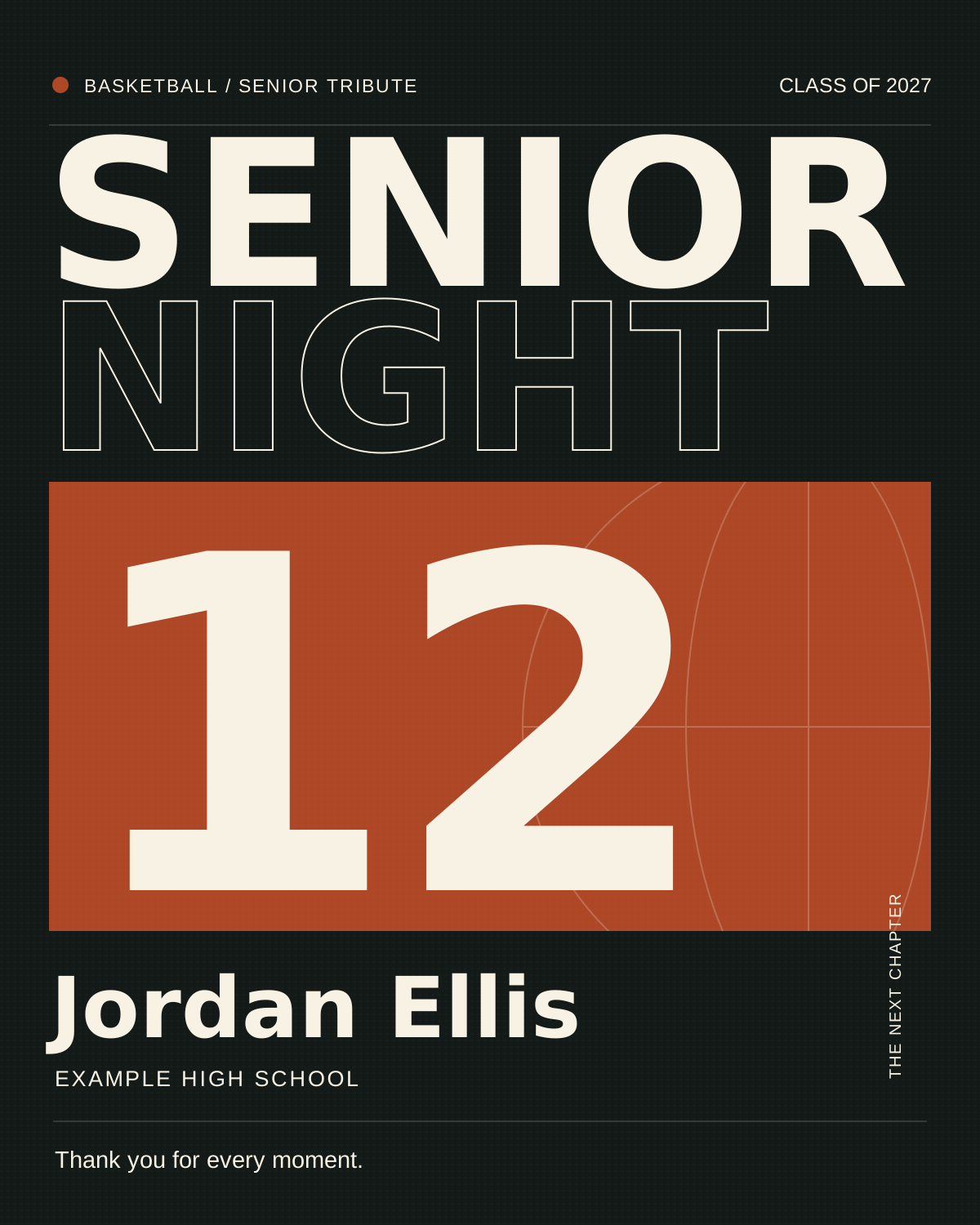
The sample celebrates an example senior with a large number and a short thank-you. Use the poster ideas guide to compare this number-led approach with portrait-led and memory-led layouts.
ILLUSTRATED WALKTHROUGH · 9 SECONDS
Senior night poster
Read the walkthrough transcript
- Replace name and number
- Choose a short thank-you
- Download and proof the poster
Practical questions
Is the poster an image of a real senior?
No. The default is an original graphic with fictional details and no portrait.
Can I change the colors?
Yes. The accent selector changes the design accent. Keep text contrast strong and check your exported proof.
Are these additional Hoopcut app features?
These are free browser planning and design resources. Hoopcut’s app focuses on basketball auto clipping and Shot Tracer. The editor does not upload video or publish to a social account.