
STEP 01
Face the arrival route
Place the card where visitors see the name before reaching the items. Use the table-layout guide to leave space for memories and a clear action. Measure the actual location rather than treating the illustration as a scale plan.
STEP 02
Use verified identity
Match the name and number to the program. Keep the supporting line brief: it can invite a message or identify the team, but should not compete with the name.
STEP 03
Print as a flat card
Download the scalable SVG or PNG, check your desired physical size and choose a suitable holder. No fold marks or production bleed are included. Print one test before making the full roster.
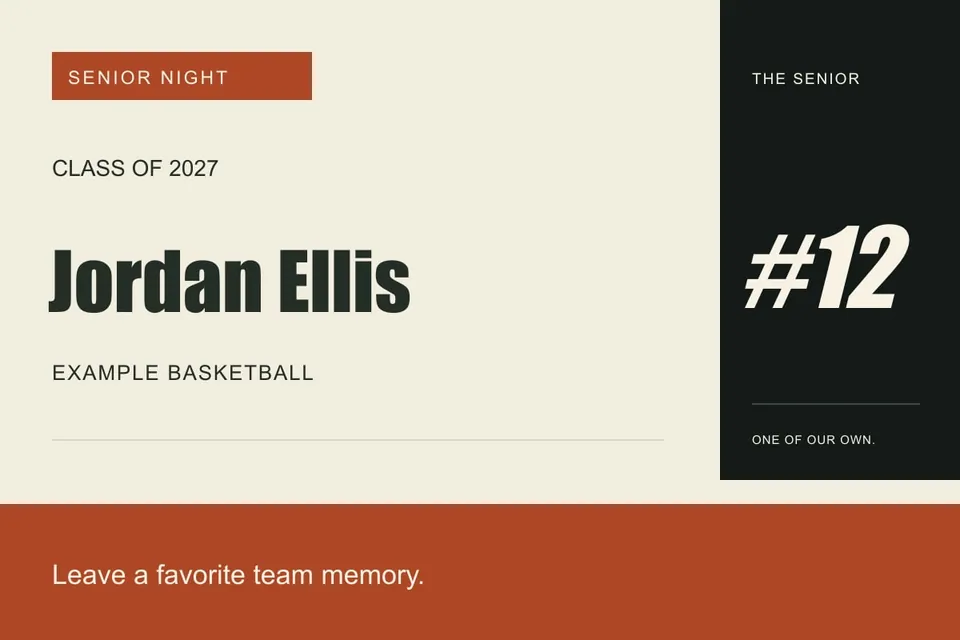
Read the example
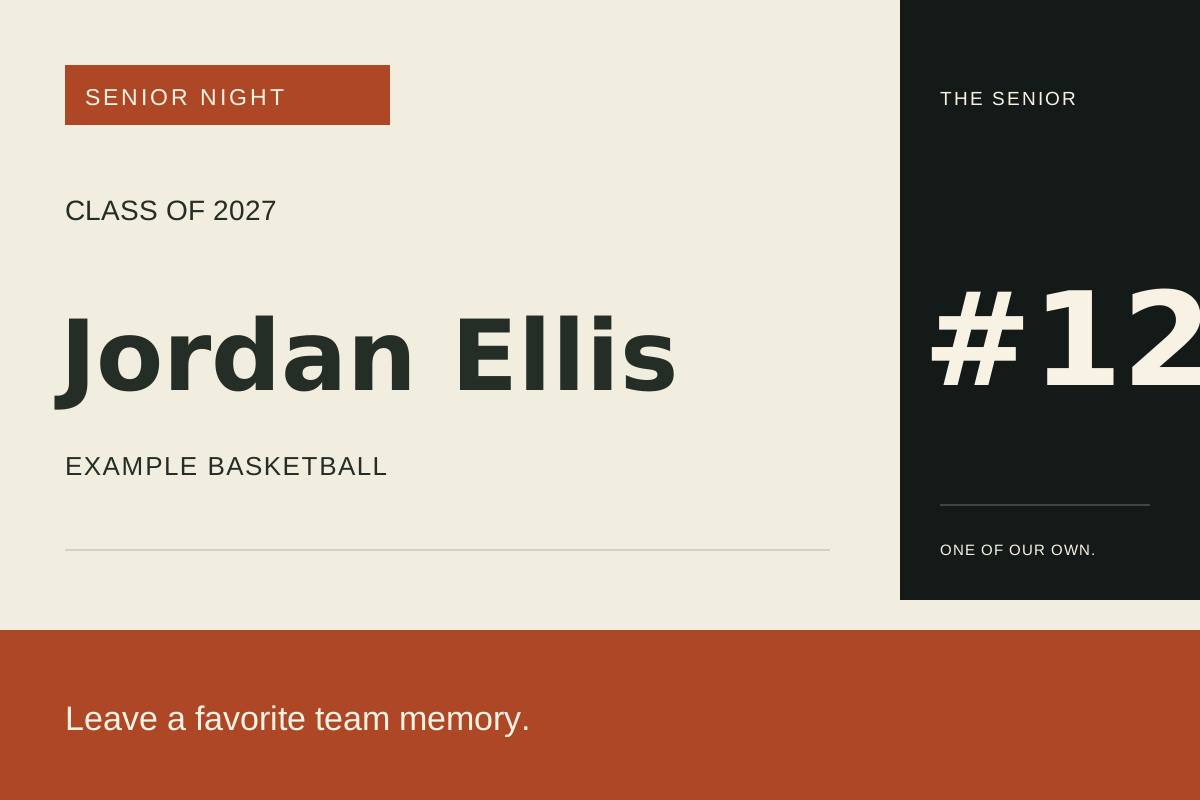
The fictional card invites visitors to leave a favorite team memory. Pair it with printed memory cards and a clearly labeled collection area.
ILLUSTRATED WALKTHROUGH · 9 SECONDS
Senior table card
Read the walkthrough transcript
- Confirm player identity
- Add one visitor instruction
- Export the flat display card
Practical questions
Can it stand by itself?
The exported design is flat. Use a stand or separately planned support appropriate to your paper and location.
Can several cards share a table?
Yes. Keep the format and text size consistent and give each player comparable display space.
Are these additional Hoopcut app features?
These are free browser planning and design resources. Hoopcut’s app focuses on basketball auto clipping and Shot Tracer. The editor does not upload video or publish to a social account.