
STEP 01
Choose essential details
Use the verified name, school, class and playing role. Keep a contact line only when the player and team want it shared. The default name, school and address are fictional examples.
STEP 02
Check readability over decoration
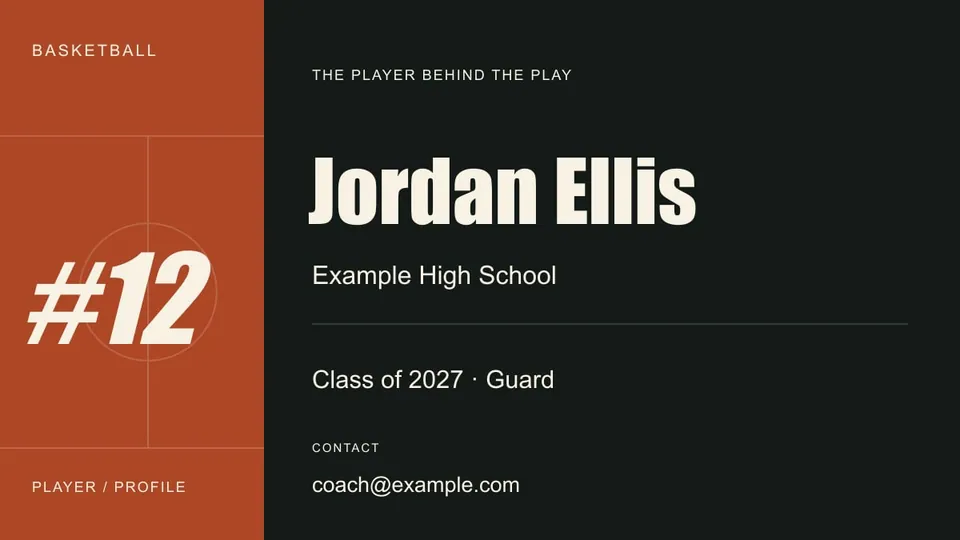
The landscape layout is intended as a simple opening still. Keep the name dominant and limit the supporting line. Export an image, then test it in the actual editing project and on a phone.
STEP 03
Connect identity to the footage
Follow the card with a possession where the player is identifiable. A title does not resolve ambiguity in a distant or obstructed clip. Use the review sheet to check that link.
Read the example
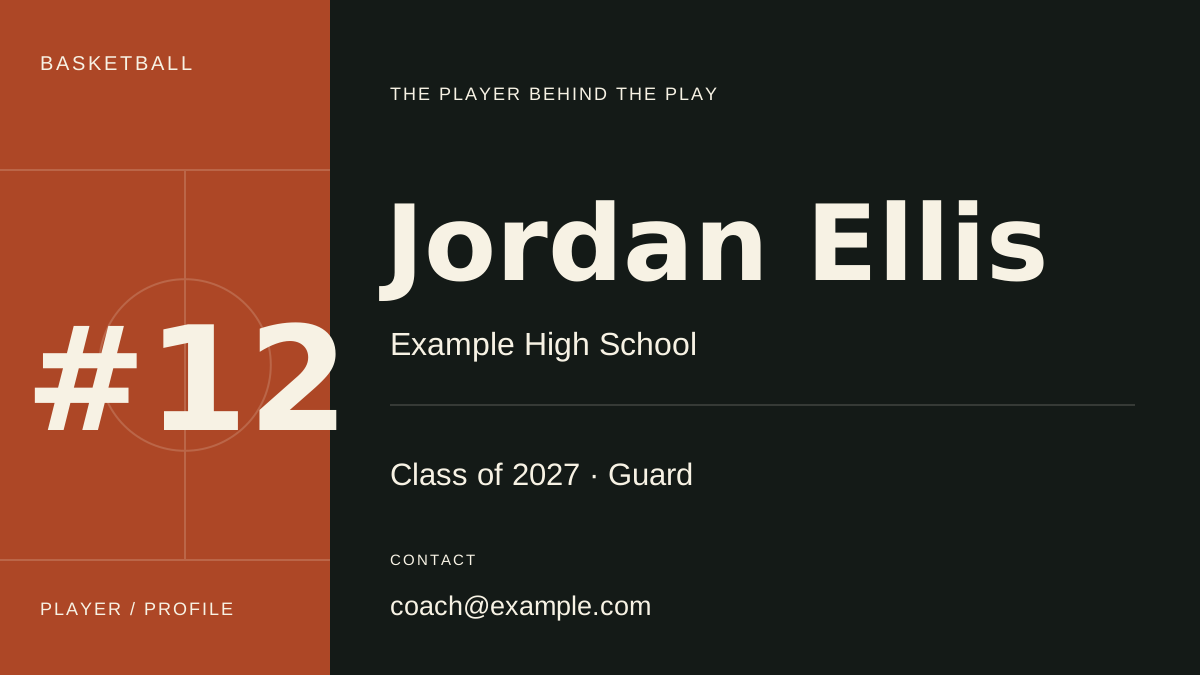
A guard from an example school is used to demonstrate hierarchy. Replace every personal detail and preview the downloaded file before inserting it in a reel.
ILLUSTRATED WALKTHROUGH · 9 SECONDS
Recruiting title card
Read the walkthrough transcript
- Replace fictional details
- Preview the identity hierarchy
- Export an opening card
Practical questions
Is this an official recruiting format?
No. It is an original editable layout. Follow any specific instructions supplied by the intended recipient.
Does the export include a video?
No. Download the still as PNG or SVG and import it into your editing workflow.
Are these additional Hoopcut app features?
These are free browser planning and design resources. Hoopcut’s app focuses on basketball auto clipping and Shot Tracer. The editor does not upload video or publish to a social account.