HomeCourt Alternatives: Choose by Basketball Task
Compare HomeCourt alternatives for shot tracking, manual basketball logs and highlight editing. Pick your task and find the right next step.
Choose your next step ↗ HoopCut
THE HOOPCUT FIELD GUIDE
Set up the session. Keep the record. Make something worth sharing. Practical answers for the basketball task in front of you.
Find your guide ↓Compare your options ↗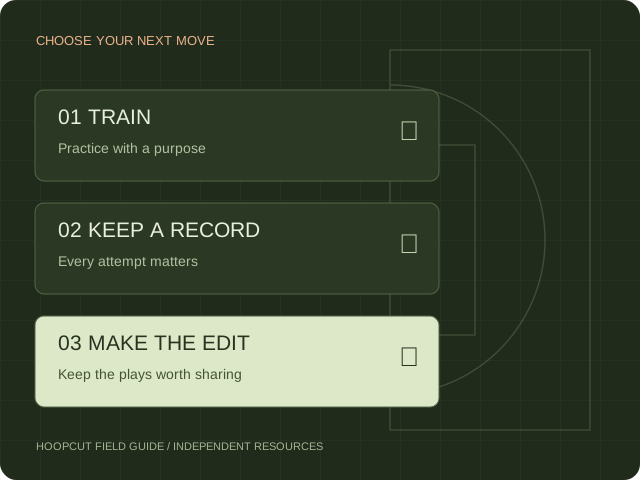
FIND YOUR STARTING POINT
15 guides
Compare HomeCourt alternatives for shot tracking, manual basketball logs and highlight editing. Pick your task and find the right next step.
Choose your next step ↗Compare HomeCourt and Hoopcut by workflow: practice tracking, basketball auto clipping and Shot Tracer. See which job each product addresses.
Choose your next step ↗Is HomeCourt available on Android? Check the official position, try a manual browser shot chart, and choose a practical basketball recording workflow.
Read guide & use checklist ↗Evaluate HomeCourt pricing with a plan checklist and cost-per-session calculator. Confirm current billing, included features and household access before paying.
Use the cost calculator ↗Plan a HomeCourt camera setup with a framing checklist and editable court diagram. Check player visibility, basket coverage and a short test recording.
Read guide & use checklist ↗Troubleshoot HomeCourt shot detection with a symptom selector, short test log and official support links. Separate missed attempts from incorrect results.
Choose your next step ↗Check HomeCourt dribbling detection with a whole-body framing worksheet, lighting checks and a short repeatable test before recording another drill.
Read guide & use checklist ↗Check HomeCourt workout video problems without confusing a saved score with a saved video. Preserve evidence, test playback and find official support.
Choose your next step ↗Prepare a HomeCourt video export for basketball editing. Check playback, permission, framing and timestamps before building a highlight reel.
Read guide & use checklist ↗Understand HomeCourt shot analysis, release metrics and the difference from a visual Shot Tracer. Use a basketball video review checklist.
Read guide & use checklist ↗Review HomeCourt make/miss and shot-location corrections, then keep a separate manual basketball shot chart with CSV and image downloads.
Read guide & use checklist ↗Plan a HomeCourt team workflow with roles, invitations, test activities and video-sharing checks. Keep a downloadable practice handoff checklist.
Read guide & use checklist ↗Organize HomeCourt family profiles and a shared recording device. Use a player handoff checklist so basketball sessions stay attached to the right person.
Read guide & use checklist ↗Plan a HomeCourt session without reliable internet. Separate offline recording from upload, playback and online features with a before-and-after checklist.
Read guide & use checklist ↗Find the right route to cancel HomeCourt billing through Apple or the original purchase channel. Use a checklist to confirm the renewal status.
Choose your next step ↗No matching guides. Try a shorter phrase or choose All guides.
HomeCourt publishes basketball training and camera-analysis features. Hoopcut focuses on auto clipping and Shot Tracer for iPhone. Our browser tools help with planning and manual records. Each guide identifies the task it can help with and links to the relevant source or tool.
Sources reviewed November 11, 2026. Public documentation is not a signed-in product test, and older instructions may differ from the app on your device. For account changes or billing, use the provider’s official support. No customer results or comparative performance scores are implied.