
The quick answer
HomeCourt’s support article describes editing a session’s outcome and shot location. A separate manual shot chart can help you retain your own observations, but it does not edit HomeCourt, synchronise an account or recover missing attempts automatically.
Compare the record with the full set of attempts
Use the source recording or a reliable live count, not a selected highlight reel. Check attempts before checking percentage: the same percentage can describe very different sample sizes. Write down what was missing, incorrect or uncertain. If an attempt cannot be verified, keep that uncertainty visible instead of choosing a convenient result.
Use the editing path documented for your version
The linked HomeCourt support article gives this path: Profile → Activities → View Details → Settings → Edit Session. It describes changing makes/misses and shot locations. An older General FAQ instead describes shot-by-shot editing, so labels may differ on your device. Find the corresponding controls, make only a verified correction and inspect the saved result afterwards. A manual chart on this website cannot make that change inside HomeCourt.
Keep a separate portable chart
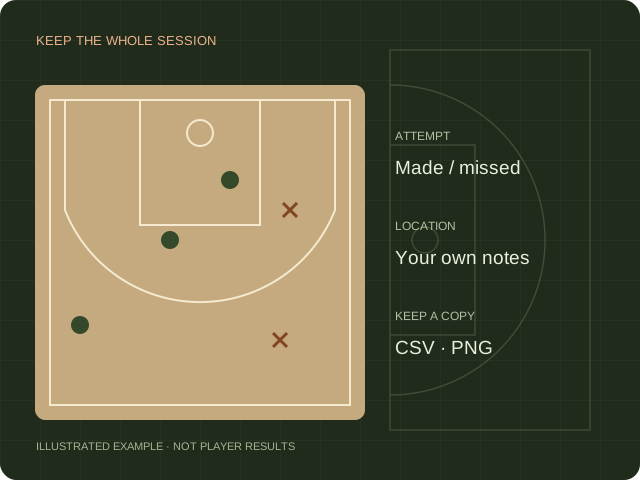
Open the browser shot chart, select the court reference and record each make or miss at an approximate location. Correct a misplaced marker and export the complete attempt log as CSV. Positions are manually entered estimates, not measured camera coordinates. Keep the original file if you want to compare records later.
Compare like with like
Separate free throws, stationary spot shooting and game-speed attempts when interpreting a practice record. Note the court, drill and session date in your own file. Do not treat a change over a tiny set of attempts as proof that a tool improved shooting. The record should make the practice easier to review, not create an unsupported performance claim.
Sources & scope.
Prepared by Hoopcut from public documentation, reviewed November 11, 2026. We have not tested these instructions inside a signed-in HomeCourt account. Official documents may describe older app menus; follow the current controls and confirm account-specific details with the provider.
- HomeCourt shot detection helpPublished update June 16, 2022. Editing menu differs from the older General FAQ.
Independent guide by Hoopcut. Not affiliated with or endorsed by HomeCourt. HomeCourt account, billing and recovery requests must go to the relevant provider.