
The quick answer
HomeCourt documents shot-analysis metrics such as release time and release angle. A Hoopcut Shot Tracer is a visual ball-flight effect. A visible curve should not be treated as a calibrated angle measurement or proof that a shooting technique is correct.
Compare the job, not just the label.
| Output | Helps answer | Does not establish by itself |
|---|---|---|
| Shot-analysis metric | What did this analysis report? | A personal coaching diagnosis |
| Visual trajectory effect | Where does the ball appear to travel? | A calibrated release angle |
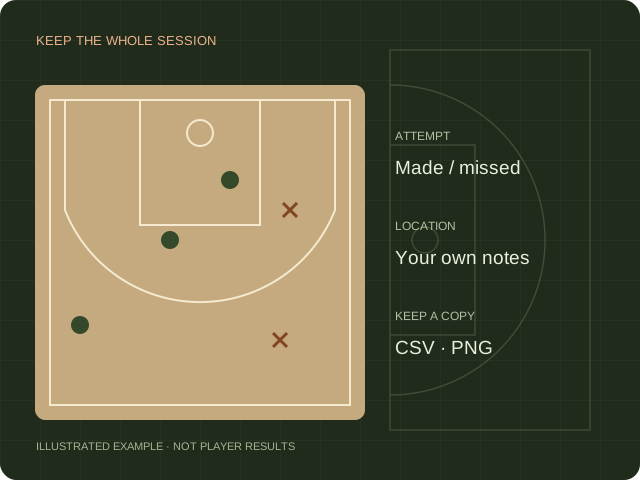
| Complete attempt log | How many attempts and makes were recorded? | Why a shot was made or missed |
| Selected highlight reel | Which plays do I want to share? | The accuracy of the entire session |
Decide what the observation can establish
An analysis value is an output of a particular recording and measurement method. A visual trail helps a viewer follow the ball in the frame. Neither should be interpreted without checking what is visible and how the output was produced. Keep the raw recording available whenever you discuss a result with a coach or teammate.
Check recording conditions before interpreting numbers
Use a view that preserves the player, release and relevant flight. If the action is obscured or cut off, write that limitation alongside your observation. Compare repeated attempts under similar conditions rather than choosing one dramatic frame. This guide does not supply an ideal release-angle target or a personal biomechanics diagnosis.
Choose an effect for communication
For a short highlight, review whether the tracer makes the path clearer at normal playback speed. Check the start, finish, contrast and any overlap with the player. A thicker line is not necessarily more informative. Preserve a version without the effect so viewers can inspect the original action if the overlay creates ambiguity.
Keep statistics and presentation in separate records
Store the session’s measurements with their source and date. Keep editing choices such as crop, slow motion and trail appearance in your video notes. This separation helps prevent a polished highlight from being mistaken for a complete training report. Use the comparison below to decide which output you actually need.
Sources & scope.
Prepared by Hoopcut from public documentation, reviewed November 11, 2026. We have not tested these instructions inside a signed-in HomeCourt account. Official documents may describe older app menus; follow the current controls and confirm account-specific details with the provider.
- HomeCourt Shot Analysis FAQUndated product documentation; no verified current accuracy benchmark.
Independent guide by Hoopcut. Not affiliated with or endorsed by HomeCourt. HomeCourt account, billing and recovery requests must go to the relevant provider.