
The quick answer
HomeCourt’s Family FAQ describes an organizer and up to three additional profiles, with profile switching on a shared device. Confirm the terms shown in your account. The practical task is to keep the active player, recording and saved session aligned every time the phone changes hands.
Name the player before starting
Before recording, confirm the selected player with the person who will perform the activity. Use distinct, recognizable profile labels within your household. A quick verbal check is easier than untangling a complete workout recorded under the wrong person. Keep the session name or your separate notes clear enough to identify it later.
Create a repeatable handoff
HomeCourt’s Family FAQ describes selecting a person from Settings and using Switch to Profile. Before handing the device to the next player, finish and inspect the previous session, then confirm the new active profile on screen. Do not infer that changing a video caption transfers the underlying workout. If a record is attached to the wrong player, consult official support about correction rather than silently relabelling the result.
Check the sharing arrangement before buying
Distinguish an additional profile on a shared device from an independent account and from membership of a team. Ask which person manages the subscription and which benefits each participant receives. The family workflow described by HomeCourt is not automatically the same as every Apple Family Sharing arrangement.
Keep exported clips identifiable
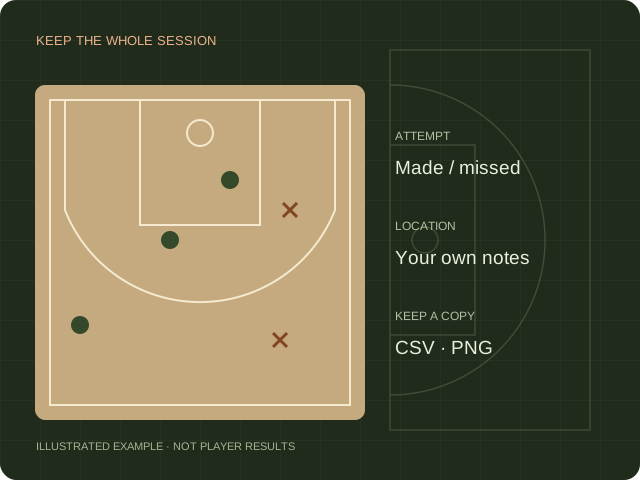
For a family recap, label exported files with the player and session date in your own storage. Get agreement before posting someone else’s recording. Use a separate clip log to avoid mixing attempts from different people into a misleading performance story. The worksheet below is a local reminder, not a connection to family account data.
Sources & scope.
Prepared by Hoopcut from public documentation, reviewed November 11, 2026. We have not tested these instructions inside a signed-in HomeCourt account. Official documents may describe older app menus; follow the current controls and confirm account-specific details with the provider.
- HomeCourt Family FAQUndated FAQ. Confirm eligibility in the account before buying.
Independent guide by Hoopcut. Not affiliated with or endorsed by HomeCourt. HomeCourt account, billing and recovery requests must go to the relevant provider.