 HoopCut
HOOPCUT / BASKETBALL VIDEO TOOLS
Basketball dribbling app guide: add shot tracer to the finish
Looking for a basketball dribbling app and a way to share your practice? Choose a training tool for the activity itself, then record a move that finishes with a shot. HoopCut can add a trail to the shot’s ball flight while your original clip preserves the dribble and approach.
Keep the ball-handling sequence in the recording, select up to 30 seconds and inspect the shot tracer at the finish. Export the Firework version free for sharing.
Trace the shot after your dribble move
or drop your video here
MP4, MOV, WebM · Max 512 MBBest with a steady camera, a visible ball and hoop. Your video is processed on our server. Access expires after 24 hours; expired files are removed during scheduled cleanup, which may be delayed. Privacy policy.
Your shot, traced.
Choose up to 30 seconds
Tracer effects
Tap to previewYour download has started.
SEE IT IN ACTION
See how the effect follows a basketball shot
FROM CLIP TO HIGHLIGHT
Keep the approach and trace the finish
 01
Upload the complete sequence
Choose a saved move-to-shot recording with the basket visible.
 02
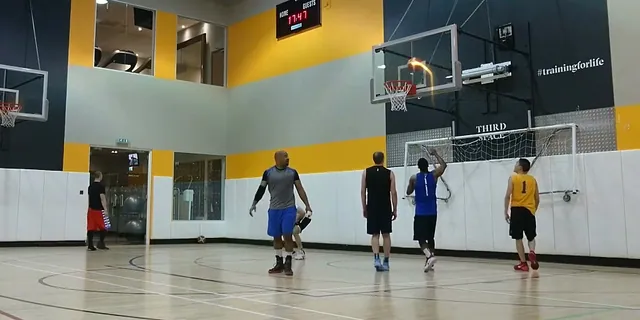
Keep the approach in your range
Select up to 30 seconds and review the traced shot finish.
 03
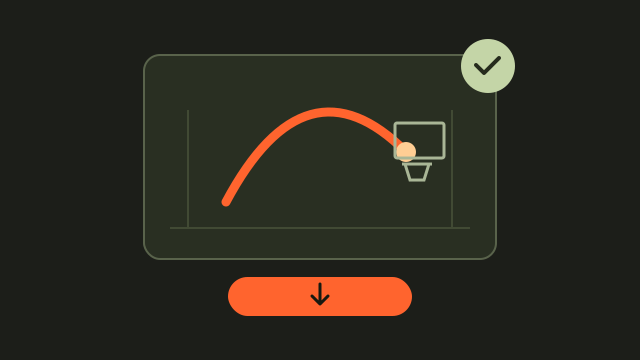
Share the edited attempt
Export Firework free while keeping your original practice footage.
Choose a basketball dribbling app for the activity
Decide whether you want guided ball-handling practice, an activity record or a video to review afterward. Check the training provider’s instructions for device placement and available feedback. HomeCourt’s official site describes ball-handling activities and camera setup. The HoopCut workspace below serves a different part of the session: making an edited video of a shot that follows your dribble move.
Plan a sequence the camera can keep in view
Before recording, mark where the move begins and where the shot finishes. Check that your feet, the ball and the basket stay visible through the approach. If you must choose between a close-up of the dribble and the full flight, keep the original wider recording.
Record the move, gather and shot as one sequence
Start recording before the player moves so the clip does not lose the approach. Keep the camera stable as the player gathers the ball and releases the shot. Avoid cutting at the exact moment of the gather: viewers need that transition to understand how the dribble led to the attempt.
- Play the recording once to check the approach and finish.
- Choose an excerpt that starts before the move and ends after the shot.
- Keep the original if your selected range leaves out earlier repetitions.
Add the shot trail without changing the practice record
Choose an attempt where the ball remains visible as it travels toward the hoop. The tracer’s purpose here is to highlight that flight, not to mark every dribble or score the move. Preview the selected range and inspect the trail near release and near the basket. Keep enough of the approach in the export for the edited finish to make sense to a viewer.
Share one example rather than a session claim
Label the clip with the move or activity you actually recorded. If you add notes about repetitions, keep those in your separate practice log. A short clip can show one sequence clearly without claiming to summarize all the work completed in the session.
Shot tracer examples for the finish
Dribbling apps and move-to-shot video questions
Will this tool track every dribble?
The tool traces shot flight, not every dribble. Choose a sequence that ends with a visible basketball shot.
Can I upload a clip that contains only dribbling?
Keep dribbling-only recordings for your own review. Select a shot-containing clip when you want to use the tracer.
How much of the approach should I include?
Include enough approach to explain the move, plus the release and finish, within the selected range of up to 30 seconds.
Does HoopCut assess whether my dribble move is correct?
It adds a visual effect. Consult a coach or your chosen training service for an assessment of the activity.
Can I save a traced finish for free?
Firework exports are free for the selected web clip. Other styles are previews here, with an app link for more effects.
Sources & further reading
YOUR NEXT SHOT
Give your shot finish a visible trail
Try the free Firework export, or compare the other previews before opening HoopCut for more effects.
Keep working on your basketball video
Browse all shot tracer workflows